Category: art
-

I’ve been a big proponent of AI-language generation tools like ChatGPT and AI-art generation tools like PhotoLeap. I find myself often at odds with fellow English teachers, authors, and artists in this. They argue that these tools can undermine the creativity, nuance, and originality that are essential to artistic and literary expression. I likewise find myself discussing ChatGPT with more conservative friends, who express concerns about the Left-leaning programming inherent in the AI. They argue that use of the tool is too limited and designed to support Leftist political agendas. However, I think that it’s foolish to cede such a powerful tool to ideological opponents and likewise foolish to pretend that such a tool is going to go away.
English teachers, authors, and artists argue that AI-generated writing or art lacks the emotional depth and human touch that is necessary for truly meaningful work. Others worry that the use of AI language generation tools can lead to a homogenization of language and culture, where all writing and speech sounds the same, and individual expression is lost. Some also express concern that the use of AI-art generation tools can lead to a devaluation of human labor and talent as the creation of art becomes increasingly automated and less reliant on human skill and creativity. These critics caution against relying too heavily on AI-generated content and encourage a continued emphasis on human creativity and expression. I can’t say that these arguments lack merit. Further, the idea that as automation increases, making production-type jobs fewer and fewer, that we will be moved towards more artistic endeavors becomes problematic as AI-created artforms flood the world.
I’ve discussed this at length with other teachers at my school (which is fully remote online school), and there is significant concern about cheating and plagiarism. When I first came to ChatGPT, I spent three weeks in a daze trying to figure out how I could address this in my courses. I could input my detailed prompt for my students’ essay exam on Beowulf and get quite good responses that differed each time I put it in. Gone were the days where I could easily pick out plagiarized work based on certain phrases I’ve seen across multiple papers. But the more I considered it, the more I realized this tool would not be going away, and as good as it is now, the technology will only ever get better. What I should be doing then, is teaching my students how to use the tool responsibly to put their own thoughts and understanding into well-written text rather than just let my students find it and figure it out on their own. To ignore this tool would be a disservice to my students. Does this mean to discourage my students from writing? By no means! In fact, it can actually facilitate writing among students who would otherwise NEVER write any text longer than an email beyond their academic career.
Of course, that ChatGPT facilitates MORE people from sharing their thoughts in a more coherent fashion than ever known in human civilization. This can create a flood of information—which is already an issue with the Internet. But right now, content-creators of various ideological perspectives are widely available. However, if tools like ChatGPT are wholesale eschewed by any prominent political party you run into a number of problems. Conservatives or those of any political ideology should not ignore AI language generating tools like ChatGPT or cede such tools to their ideological opponents because these tools have the potential to shape public discourse and opinion in significant ways. As AI-generators become more sophisticated and widely used, they have the potential to influence public policy, shape public perception, and impact social and political outcomes.
By ignoring or ceding AI language generating tools to their ideological opponents, conservatives risk losing the ability to shape public opinion and influence public policy. As AI language models become more prevalent in the public sphere, they will increasingly shape public perception and discourse, and it is essential for conservatives to engage with these tools in order to ensure that their perspectives and beliefs are represented and considered. Moreover, ignoring or ceding AI language generating tools to their ideological opponents may also reinforce existing biases and echo chambers in public discourse. If only one side of the political spectrum is using AI language generating tools to shape public opinion and discourse, then the perspectives and beliefs of the other side may be excluded or marginalized, leading to an even more polarized and divided public discourse.
-
In today’s world of advanced graphic design software and powerful editing tools, it’s easy to overlook the humble MS Paint application that used to come standard with every Windows computer. However, for those of us who grew up with it, this basic tool holds a special place in our hearts. And for me, it’s still a go-to tool for creating pixel art, especially for retro-style video games. In this blog post, I’ll take you through my process of using MS Paint to create a pixel art Kraken for a retro-style JRPG that my nephew and his friends are creating. This isn’t just a one-time project, either – I’ve been using this technique since my college days at LSU, when my older brother and I were working on a video game project that never quite made it to completion. However, the skills I picked up along the way have stayed with me, and I’m excited to share them with you.
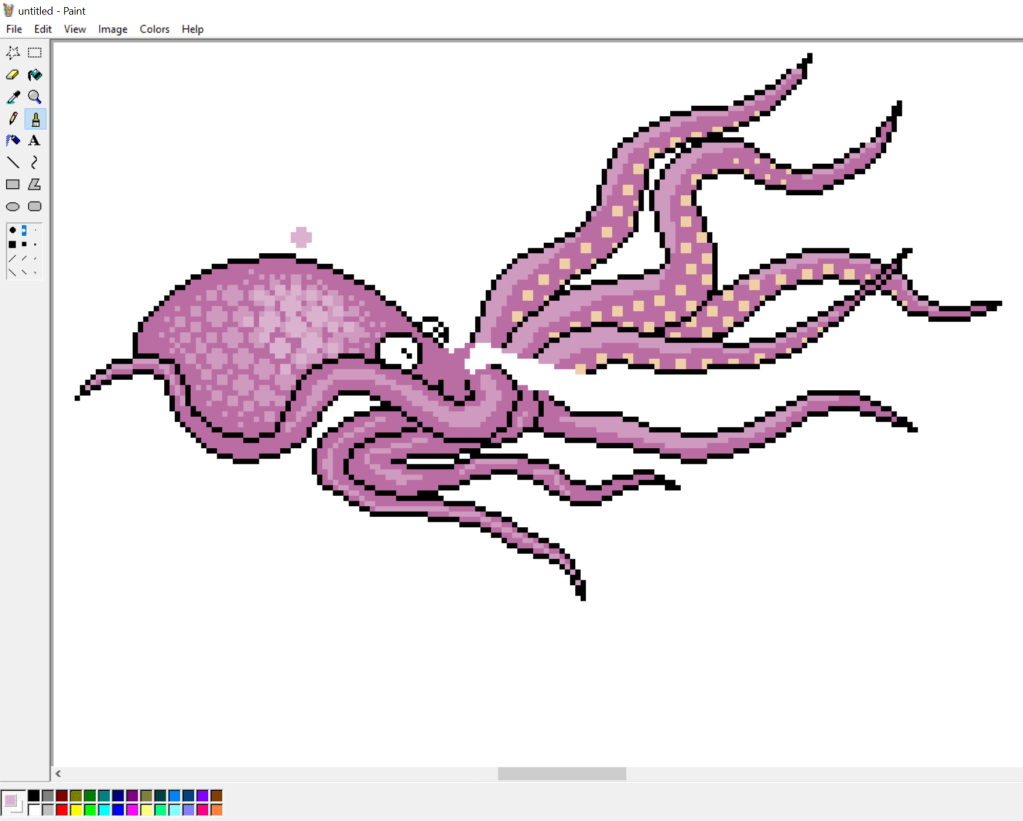
To start, I generally begin with a dark outline using the line drawing tool. I use it to create curves–I never bother with the curved line tool.
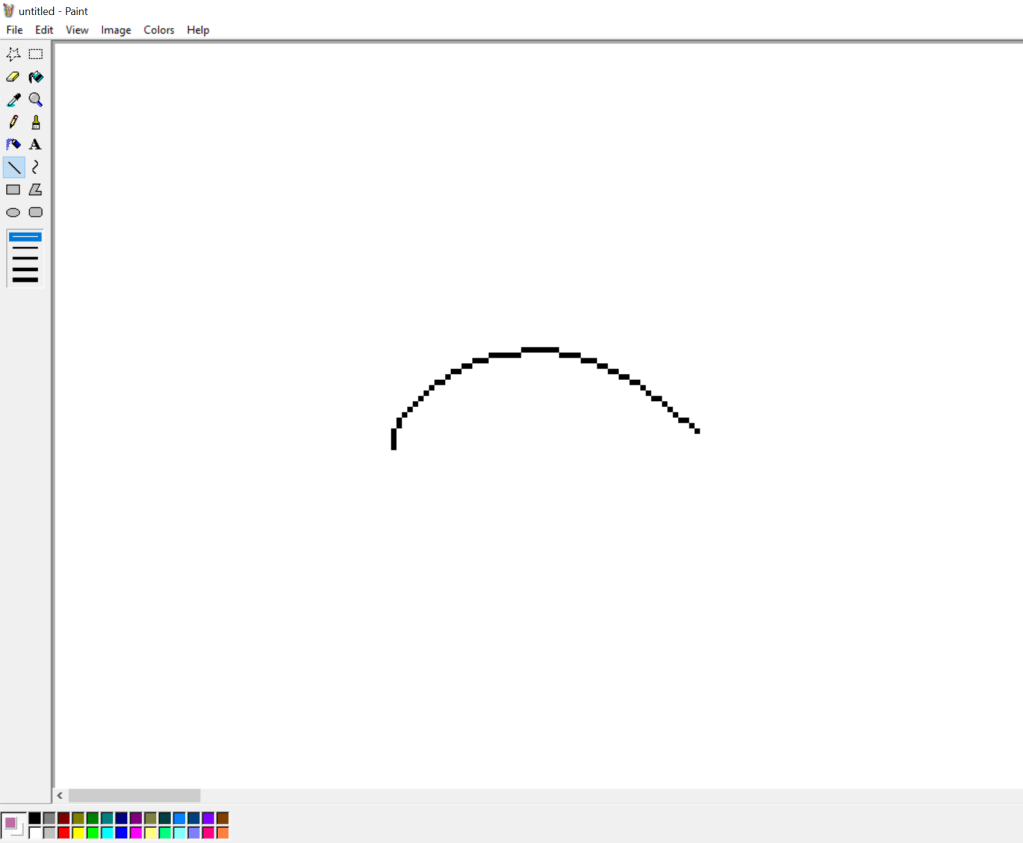
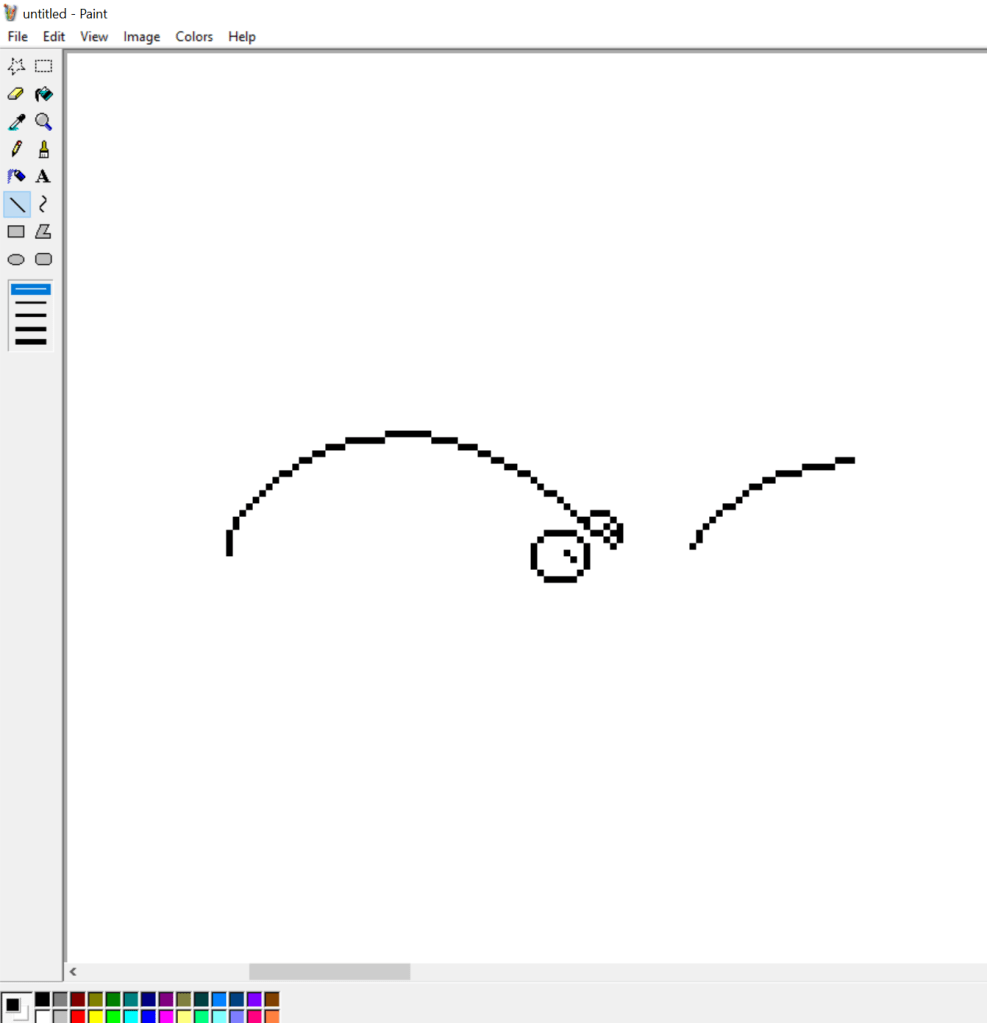
Depending on what I deem will be the most focal part of the subject is what I’ll tend to focus most of my initial time on. Most of the time, this means the face or head. However, for this type of creature, the mass of tentacles is the most focal. So I slowly use the line tool to work those out. I use a mouse (which is kind of funny because I’m left-handed and this is the only art I do right-handed.)
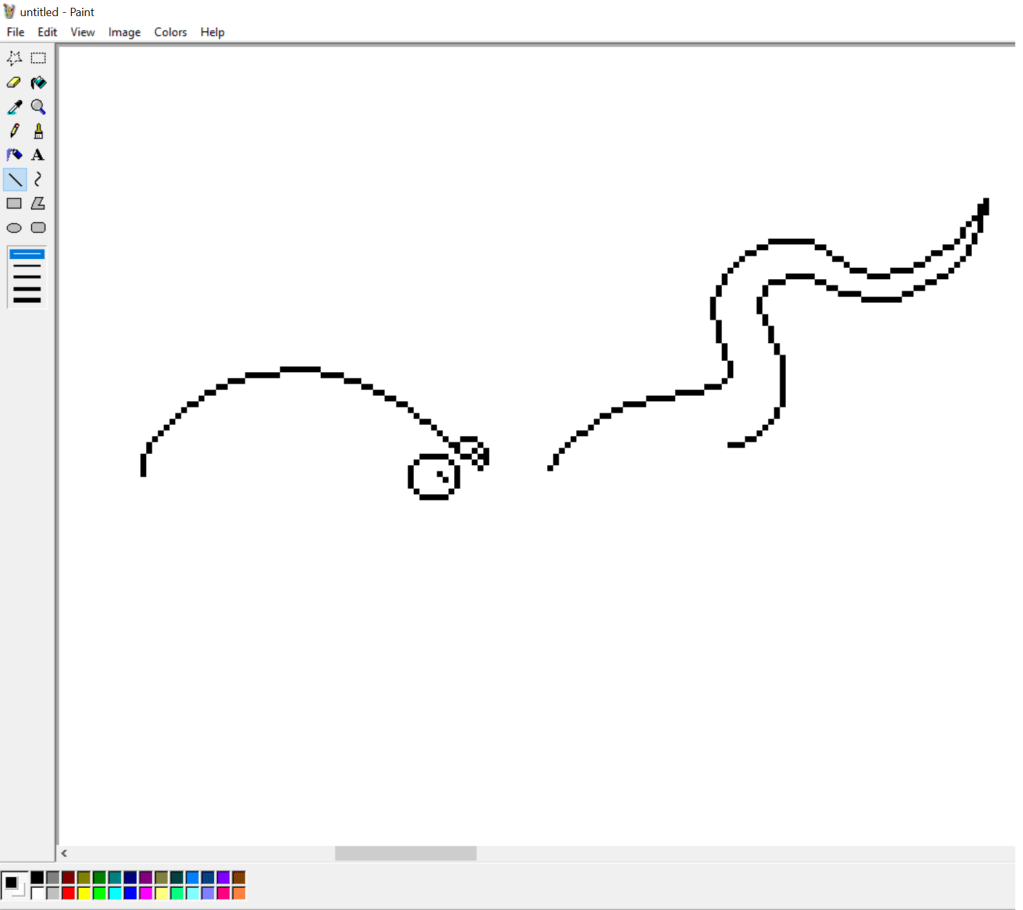
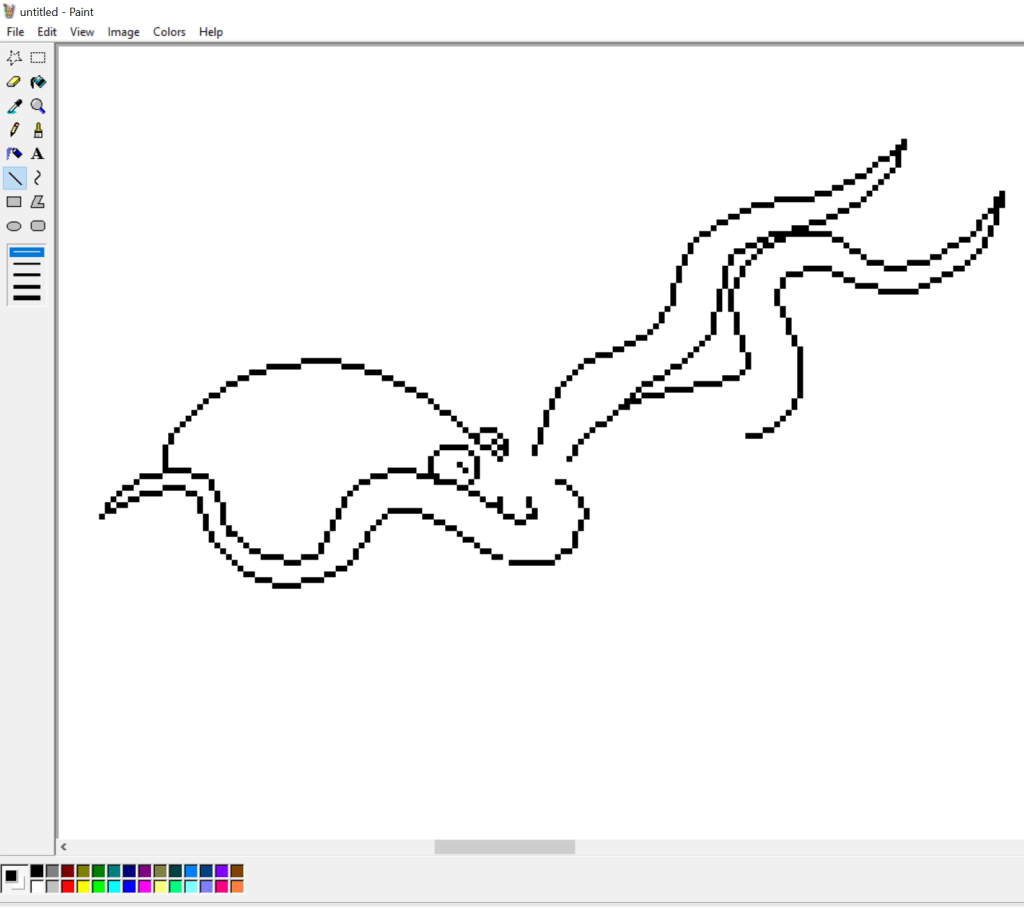
I knew I wanted to leave space for splashing water with this creature. So I didn’t bother trying to connect the head with the tentacles in an effective way.

Then, using the custom color tool (which you can simply double-click on any color you want to replace), I filled in the outline in a single color.
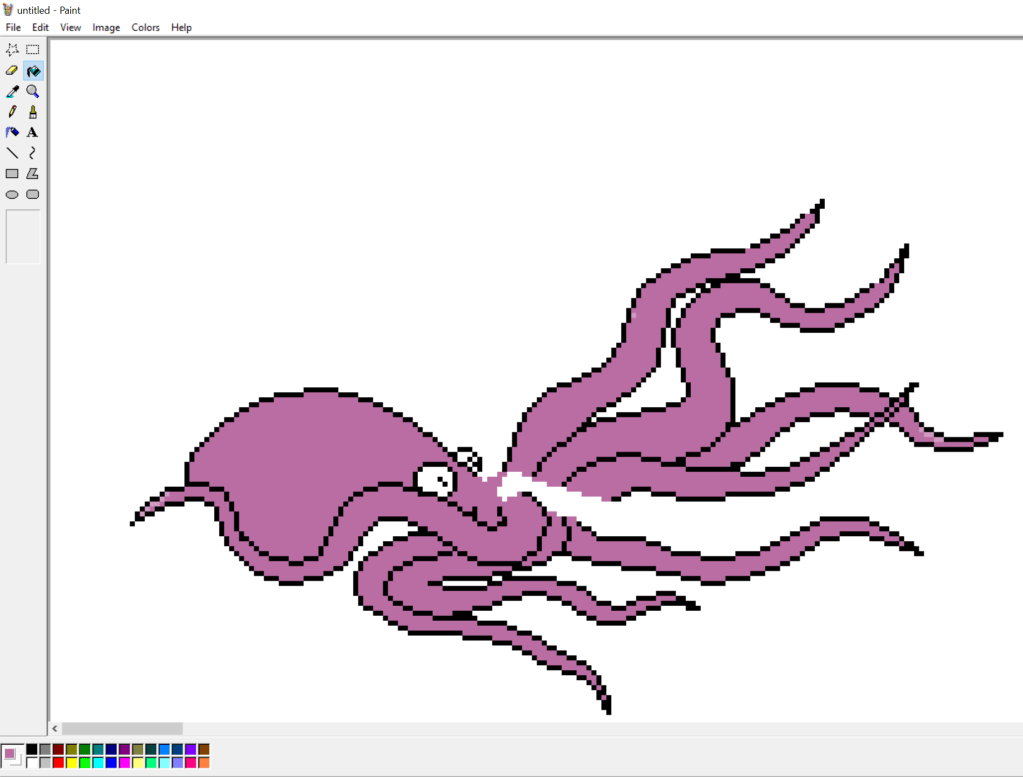
For this particular style (which I was trying to roughly match with other artists’ on this project), there are limited shadow or highlight colors. I decided to go with a highlight color. I simply lightened the existing color on my palette.

To mimic the idea of suckers on the tentacles, I used the free paint tool and used the 2×2 pixel brush and followed the darker contours of the upper tentacles. I felt that the lower tentacles didn’t need them and that it gave the creature a more mouthy-grabby aura.
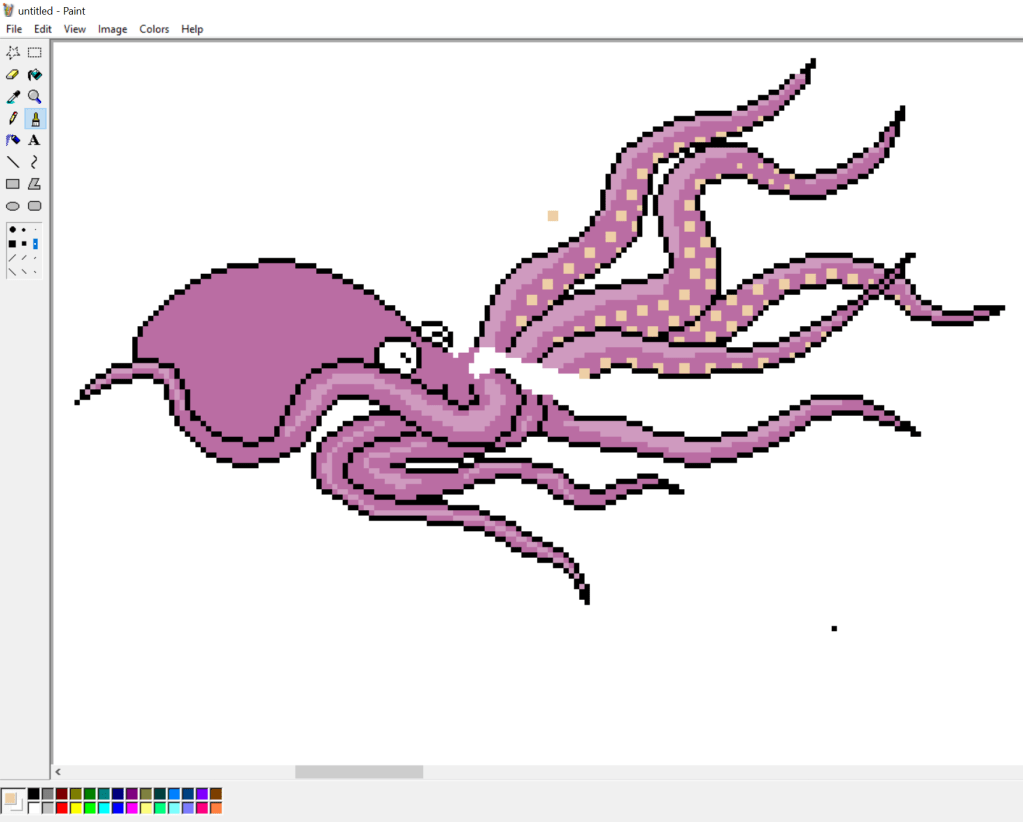
I went back to the head after this and used the free paint tool with various brush patterns to “stamp” out a pattern that evoked real octopi. I did it in my highlight color, then took it a step brighter and did a little more to give a more rounded and larger feel for the head.
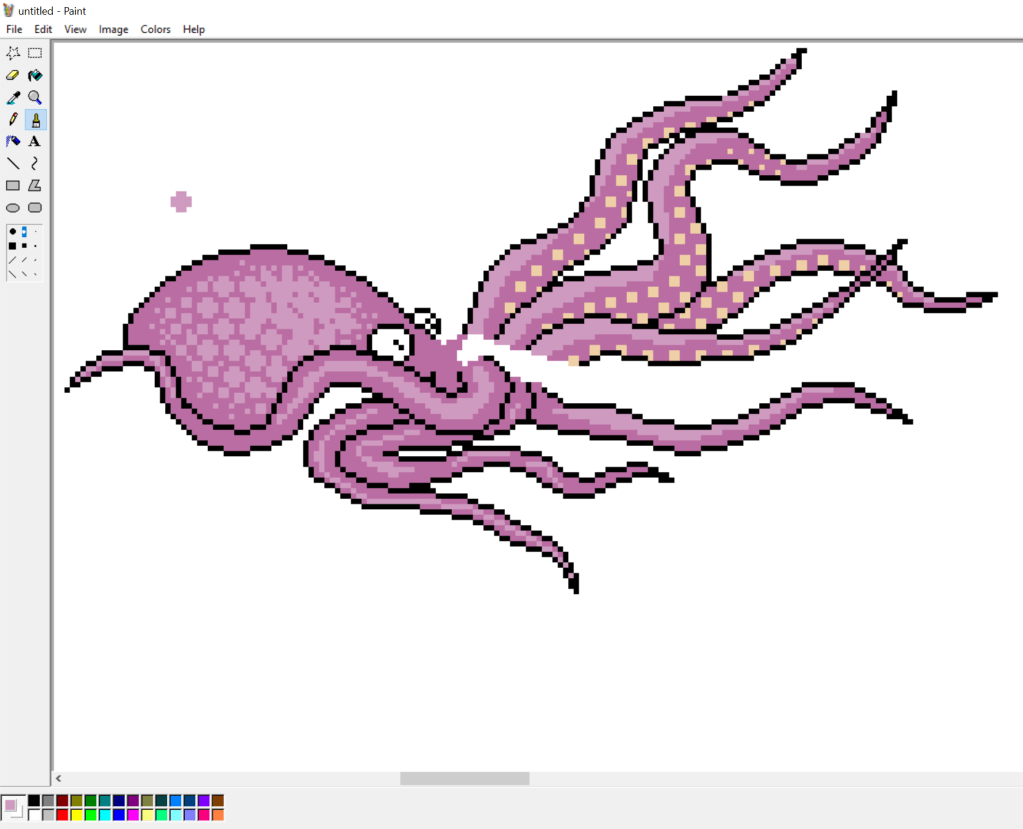
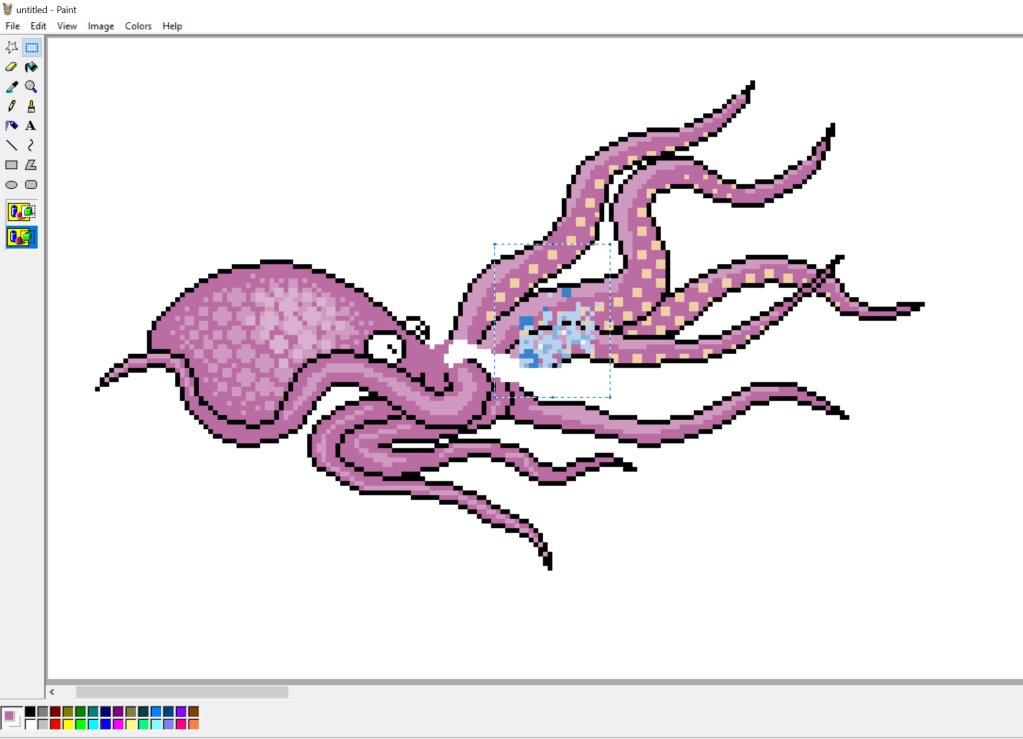
After I was satisfied with the head, away from the base creature, I made some splashing water in three shades of blue and I think I added some bluish off-white. I pasted that in a few times (flipping and skewing the image as necessary). Then I went in with the free paint tool and added more splashes. Then I used the line tool to add more placid water around the head and tentacles I wanted to show as just above the surface water. Oh, and at this point, I also colored the eyes differently at this point. Sometimes I get the eyes “close-enough” before going back over them at the end to give the creature a little more life or character.
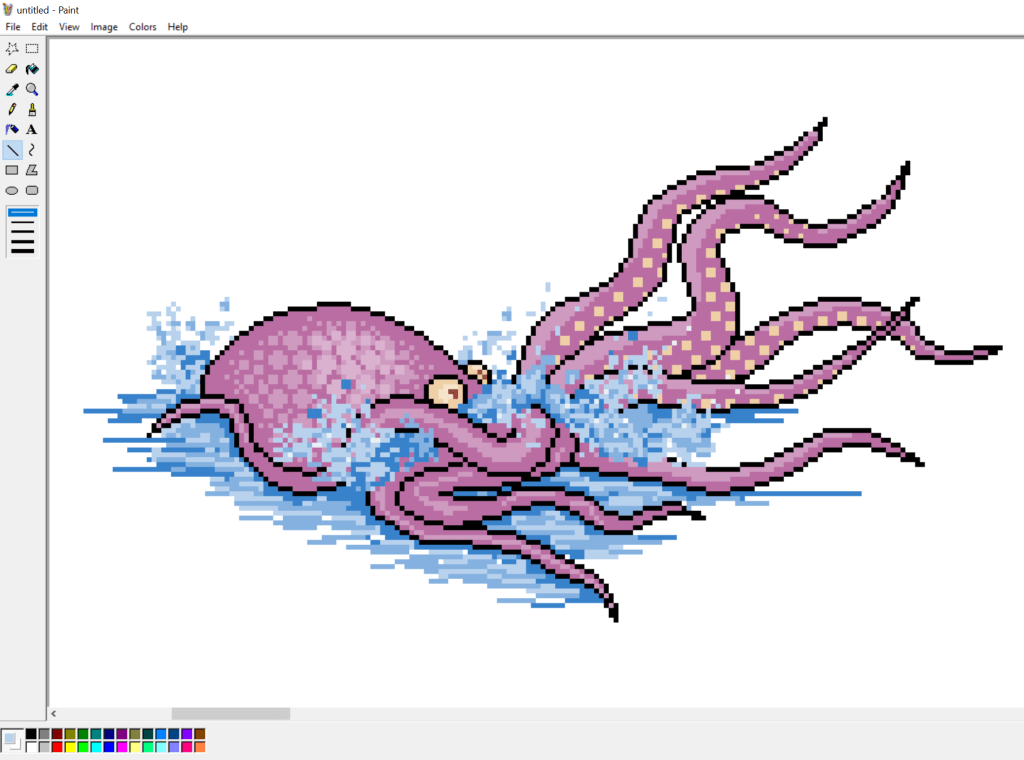
Finally, while I can take or leave it, the style of the artists I’m trying to mimic has thicker lines–giving a bit of a shadowy effect on the right side. So I just took the line tool and darkened up the right edges. Again, this isn’t typical of my style, but it’s not a bad aspect.
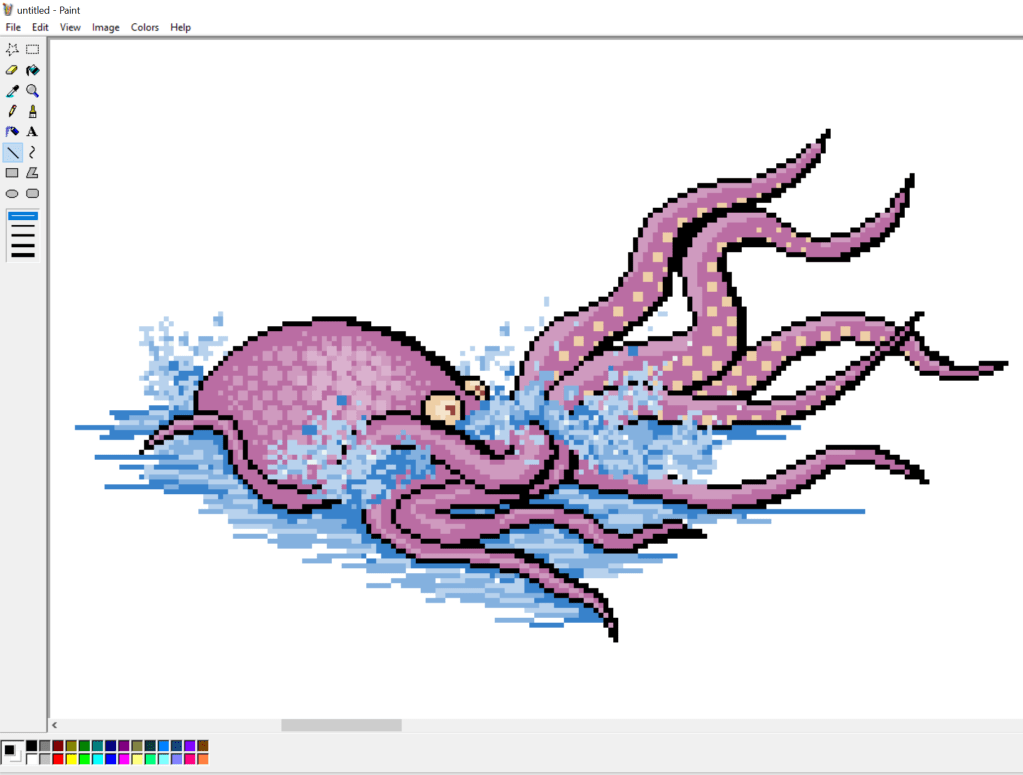
So yeah, that’s how I do pixel art using the somewhat archaic MS Paint!
 J.E.B. Mungall